A smarter way to search, write, and get answers. Gemini brings Google's AI directly into your workflow, helping you think faster and do more without switching between tools.
Most people today don’t just want information — they want faster answers, better clarity, and tools that actually save time. That’s exactly where Google Gemini AI comes in. Instead of behaving like a traditional AI chatbot, Gemini is designed to work more like an intelligent layer across everything you already use in your daily life.
Unlike standalone tools, Gemini is deeply connected with the Google ecosystem. This means it doesn’t just respond to your questions — it understands context, integrates with tools, and helps you complete tasks without constantly switching between apps.
When you type something into Gemini, it doesn’t just look at the words — it tries to understand what you actually mean. This is different from traditional search systems where you often need to rephrase queries multiple times. Gemini processes your request in a more natural way, making the interaction feel smoother and more human.
One of the biggest advantages of Gemini is how it connects with services like Gmail, Google Docs, and Search. For example, you can ask it to summarize emails, generate documents, or find information without leaving the platform. This reduces the need to jump between multiple tools.
Whether you need to write content, generate ideas, or plan something, Gemini provides structured outputs quickly. It helps users move from thinking to execution without delays, which is especially useful for creators and professionals.
Gemini is not limited to one specific task. It can help with scheduling, research, writing, and even basic problem-solving. This makes it a practical tool for everyday use rather than something you use occasionally.
The more you use Gemini, the better you understand how to interact with it. Over time, users naturally improve their inputs, which leads to better outputs. This creates a feedback loop that increases productivity and efficiency.
In real-world usage, people in the United States are already using Gemini to simplify workflows. Instead of opening multiple tabs, searching manually, and copying information, they rely on Gemini to bring everything together in one place.
This shift is important because it changes how people interact with technology. Instead of adapting to tools, tools like Gemini adapt to the user.
At its core, Google Gemini AI is not just about answering questions — it’s about reducing effort, improving clarity, and helping users focus on what actually matters.
Most AI tools feel like something you have to open separately, use for a specific task, and then close. Google Gemini works differently. It feels like it’s already part of your daily workflow rather than an extra tool.
Because it is connected with Google products, Gemini doesn’t just give answers — it helps you act on them. You can move from searching to writing, from reading to creating, without losing context.
For example, instead of copying information from one place and pasting it into another, Gemini helps you generate, edit, and organize everything within the same flow.
In the United States, where people rely heavily on tools like Gmail, Docs, and Search, this kind of integration makes Gemini feel more natural and efficient compared to traditional AI tools.
Gemini provides more structured and contextual answers compared to traditional search.
Works smoothly with Google tools like Docs, Gmail, and Search.
Helps users complete tasks without switching between multiple tools.
In today’s fast-paced environment, switching between tools can slow you down more than you realize. Google Gemini is designed to reduce that friction by bringing multiple capabilities into one place.
Instead of using separate tools for writing, searching, and organizing information, Gemini allows users to complete tasks in a more connected way. This makes it especially useful for students, professionals, and businesses in the United States where efficiency matters the most.
For example, if you are already using tools from the Technology category, you will notice how Gemini fits naturally into that workflow without adding complexity.
Similarly, for business users, combining Gemini with solutions from AI for Business can significantly improve productivity and decision-making.
If you compare it with other tools available on our AI Tools page, you will see that Gemini focuses more on integration and real-time assistance rather than just output generation.
This approach makes Gemini more than just an AI tool — it becomes part of how you work daily.
Gemini is not limited to one type of task. It adapts to different situations, making it useful for a wide range of users — from students to professionals and businesses.
Helps in learning, summarizing topics, and completing assignments faster. Explore more tools in AI for Students.
Supports decision-making, reporting, and communication workflows. Learn more in AI for Business.
Helps generate blogs, scripts, and ideas quickly using AI assistance.
Provides structured answers and simplifies complex topics for faster understanding.
Creates content strategies, emails, and ad copies efficiently. Check AI Marketing.
Handles emails, notes, and quick problem-solving tasks effortlessly.
If you explore more tools on our AI Tools page, you’ll notice that Gemini stands out because of how naturally it fits into multiple workflows.
Most tools help you complete tasks. Gemini goes one step further — it changes how you approach tasks. Instead of doing everything manually, it helps you think faster, organize better, and act more efficiently.
Gemini is designed to help users think more clearly, not just get quick answers. It breaks down complex problems into simple explanations, making it easier to understand and act.
For users exploring advanced tools in the Technology category, this creates a better learning and decision-making experience.
Instead of switching between multiple apps, Gemini connects your workflow into one smooth experience. This reduces time wasted on context switching.
For professionals using tools from AI Tools, this integration makes daily tasks much easier.
Businesses use Gemini to analyze information, generate reports, and improve communication. It helps teams make faster and more informed decisions.
If you're working in business environments, explore AI for Business to see similar tools.
Students can understand topics faster by asking direct questions and getting structured answers instantly.
You can also explore more learning tools in AI for Students.
In fast-moving markets like the United States, people don’t just need tools — they need systems that help them think, act, and execute faster. Gemini fits into this need by reducing effort and increasing clarity.
This is why it’s not just another AI assistant — it’s becoming part of how people work every day.
When people think about AI tools, they often imagine a simple chat box. But Gemini is designed to feel more like a complete workspace rather than just a chatbot.
It combines search, writing, and task management into one seamless interface. Instead of jumping between tools, everything happens in one place.
For users already exploring tools in the AI Tools section, this creates a more connected and efficient workflow.
In business environments, especially in the U.S., this type of unified dashboard helps teams stay organized and productive without unnecessary complexity. You can also explore similar systems in AI for Business.
Gemini Workspace
AI Dashboard
Search + AI
Find answers and generate content instantly
Document Assist
Write, edit, and organize documents in real time
Smart Suggestions
Get contextual recommendations based on your task
Workflow Sync
Connect with Google tools without switching tabs
Every AI tool has its strengths and limitations. Understanding both sides helps you decide whether Gemini fits your needs or not.
If you compare Gemini with other tools available on our AI Tools Comparison page, you will notice that its biggest strength lies in integration and workflow efficiency.
For users exploring more options, visiting the AI Tools directory can help you find tools that better match your specific needs.
When choosing an AI tool, pricing is one of the most important factors. Gemini offers both free access and advanced features, making it suitable for different types of users.
Perfect for users exploring tools like AI for Students.
Useful for professionals and AI for Business users.
Technology is changing fast, but one thing remains constant — people want tools that make life easier, not more complicated. Google Gemini fits into this shift by offering something simple yet powerful.
In the past, people used search engines to find links. Then they had to open multiple pages, read content, and try to understand everything on their own.
Gemini changes that experience. Instead of just showing information, it helps you understand it instantly. This is why users who explore modern tools in the Technology section are moving toward AI-powered workflows.
Today, people deal with too many tabs, apps, and notifications. Managing all of this can feel overwhelming.
Gemini simplifies this by combining tasks into one flow. Instead of switching tools, you stay focused in one place, which improves productivity and reduces stress.
Businesses in the United States are increasingly adopting AI tools to stay competitive. Speed and efficiency are no longer optional — they are necessary.
Gemini supports this shift by helping teams write faster, analyze data, and communicate more effectively. You can explore similar tools in AI for Business.
Students today don’t just need information — they need clarity. Gemini helps break down complex topics into simple explanations.
This makes it easier to understand concepts and complete assignments efficiently. Check out more tools in AI for Students.
What makes Gemini truly powerful is not just its features — it’s how naturally it fits into everyday life. You don’t need to change how you work. Instead, it adapts to your habits and improves them.
For example, someone working in marketing might use it to generate ideas and content, while a developer might use it for problem-solving and coding assistance. This flexibility is what makes Gemini different from many other tools listed on our AI Tools page.
In highly competitive environments like the United States, where time is one of the most valuable resources, tools like Gemini are not just helpful — they are becoming essential for staying ahead.
Over time, this shift will only grow stronger. People will rely more on systems that reduce effort, increase clarity, and help them focus on what truly matters.
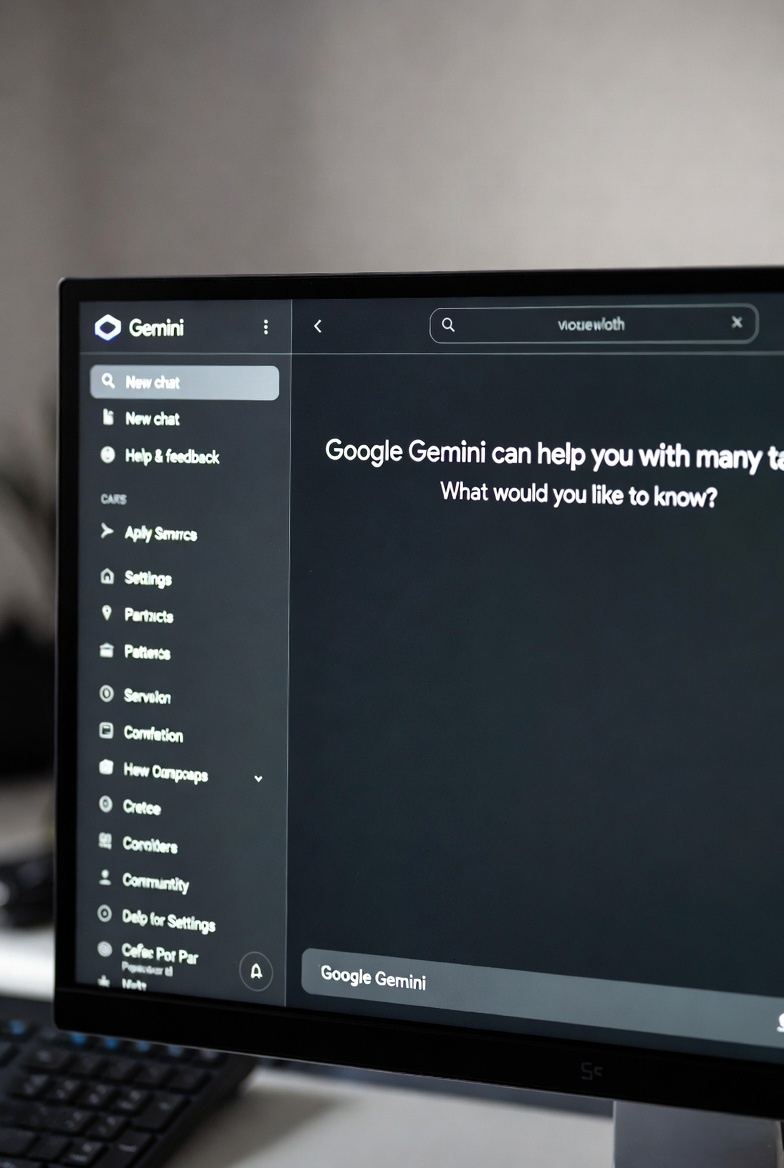
The way people work is changing. Those who adapt faster always stay ahead. If you're still switching between multiple tools and wasting time, it's the right moment to upgrade your workflow.
Google Gemini is not just another AI tool — it's a smarter way to think, create, and get things done. Whether you're a student, a professional, or running a business, this tool can simplify your daily tasks and save hours of effort.
Explore more tools on Tech Vanya AI Tools and find what works best for you.
Here are some of the most common questions users ask before using Google Gemini AI.
Google Gemini is an AI-powered assistant designed to help users with writing, research, and productivity tasks.
It depends on your use case. Gemini is strong in Google ecosystem integration, while other tools may offer different strengths.
Yes, a free version is available, along with advanced paid features for professional users.
Yes, students can use it for learning, assignments, and understanding complex topics faster.
Yes, Gemini works across mobile devices, making it accessible anytime, anywhere.
Google provides security and privacy controls, but users should always review data policies.
Yes, businesses use Gemini for automation, communication, and decision-making tasks.
Its deep integration with Google services makes it more connected than many other AI tools.
Yes, it can generate blogs, emails, scripts, and other forms of content quickly.
Yes, it supports multiple languages including English and others.
No, it assists users but does not fully replace human creativity and decision-making.
It is generally accurate but users should verify important information.
Yes, it can assist with coding, debugging, and learning programming concepts.
Yes, it can help with content ideas, ads, and strategy planning.
Yes, you typically need a Google account to use Gemini.
Yes, it can summarize long articles, documents, and notes quickly.
Yes, it helps organize and explain research topics effectively.
Yes, it is very useful for brainstorming and idea generation.
Yes, its interface is simple and easy to use for beginners.
You can explore more tools on our AI Tools page.